How WebBoard came to be

Built independently from Croatia by a teacher who needed better tools for his own school.


WebBoard was not planned in a meeting room. It grew lesson by lesson, in a real school, out of one teacher's frustration with juggling six tools every working day. This page tells that story: where it started, what it became, and where it goes next.

Built in a classroom, not a boardroom

My name is Marko Holzmann-Miletić. I teach informatics at a small school in Croatia, and for most of my career I have had two jobs: teacher during the day, software developer in the evening.

The problem WebBoard solves was in front of me every working day. To run one class properly I needed a video call in one tool, a whiteboard in a second, assignments in a third, a gradebook in a fourth, attendance in a spreadsheet, and parent communication over email. None of them talked to each other, and none of them understood how our school actually works: Croatian grading scales, alternating A and B weeks, subject teachers and a homeroom teacher sharing one class, parents who want to see grades without managing yet another account.

Built in a classroom, not a boardroom

First the board, then everything around it

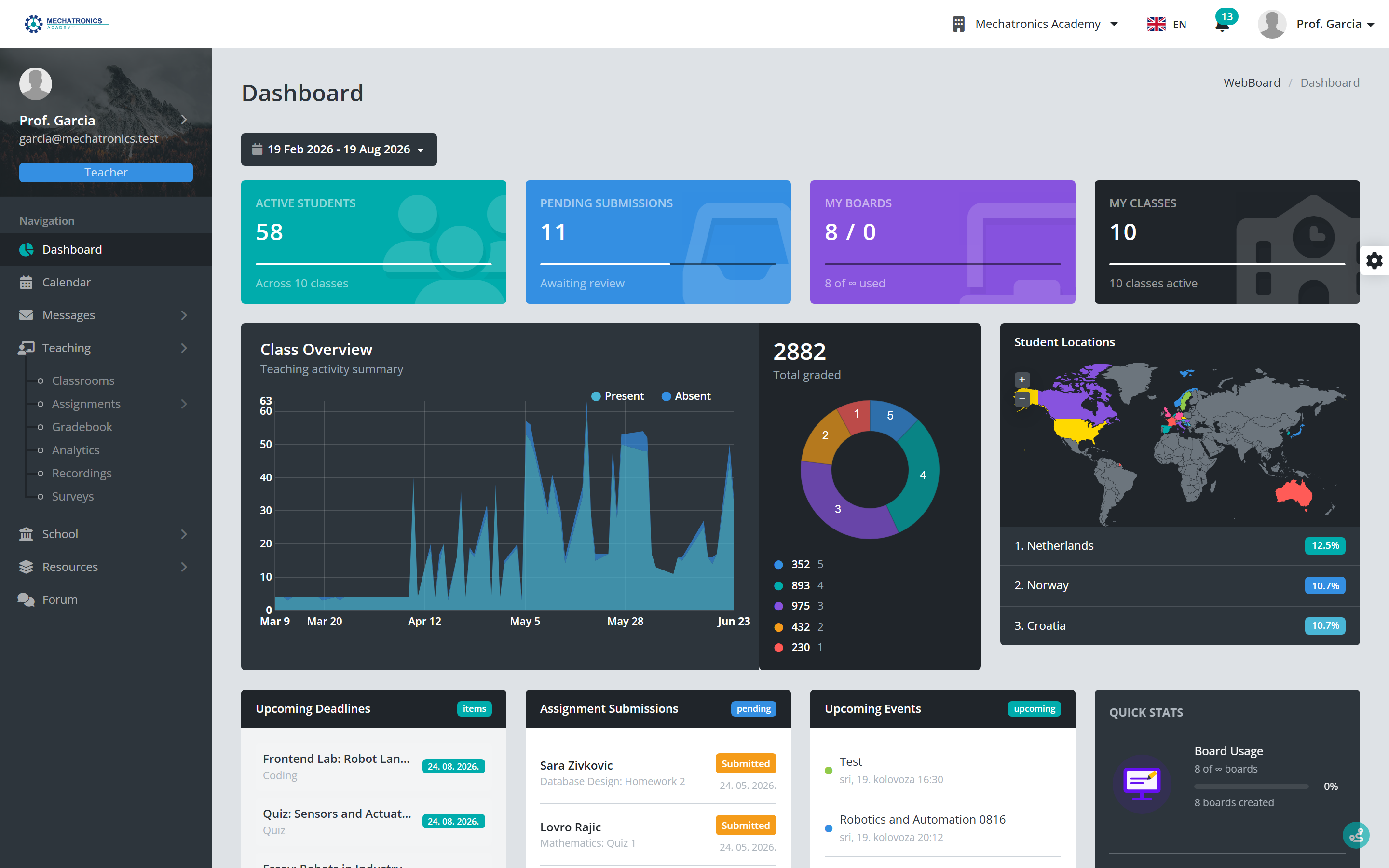
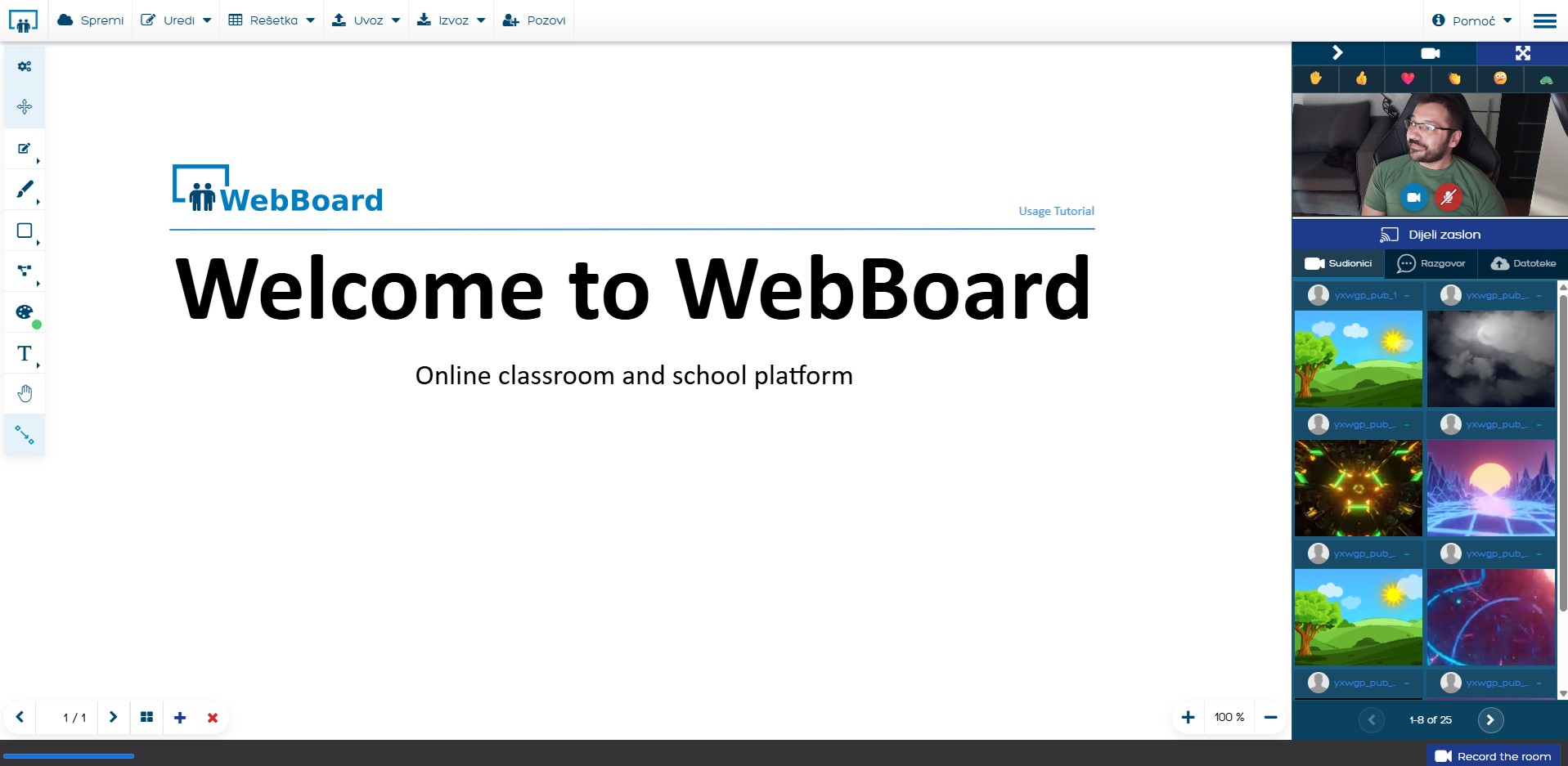
So I started building the tool I wanted to use. Evenings, weekends, school holidays. First the live whiteboard, because that is where lessons happen. Then assignments and auto-graded quizzes, then a coding editor that runs and checks student code in the browser, then the gradebook, attendance, calendar and parent access, until a teacher's whole working day fit in one place.

First the board, then everything around it

Code that runs in the lesson

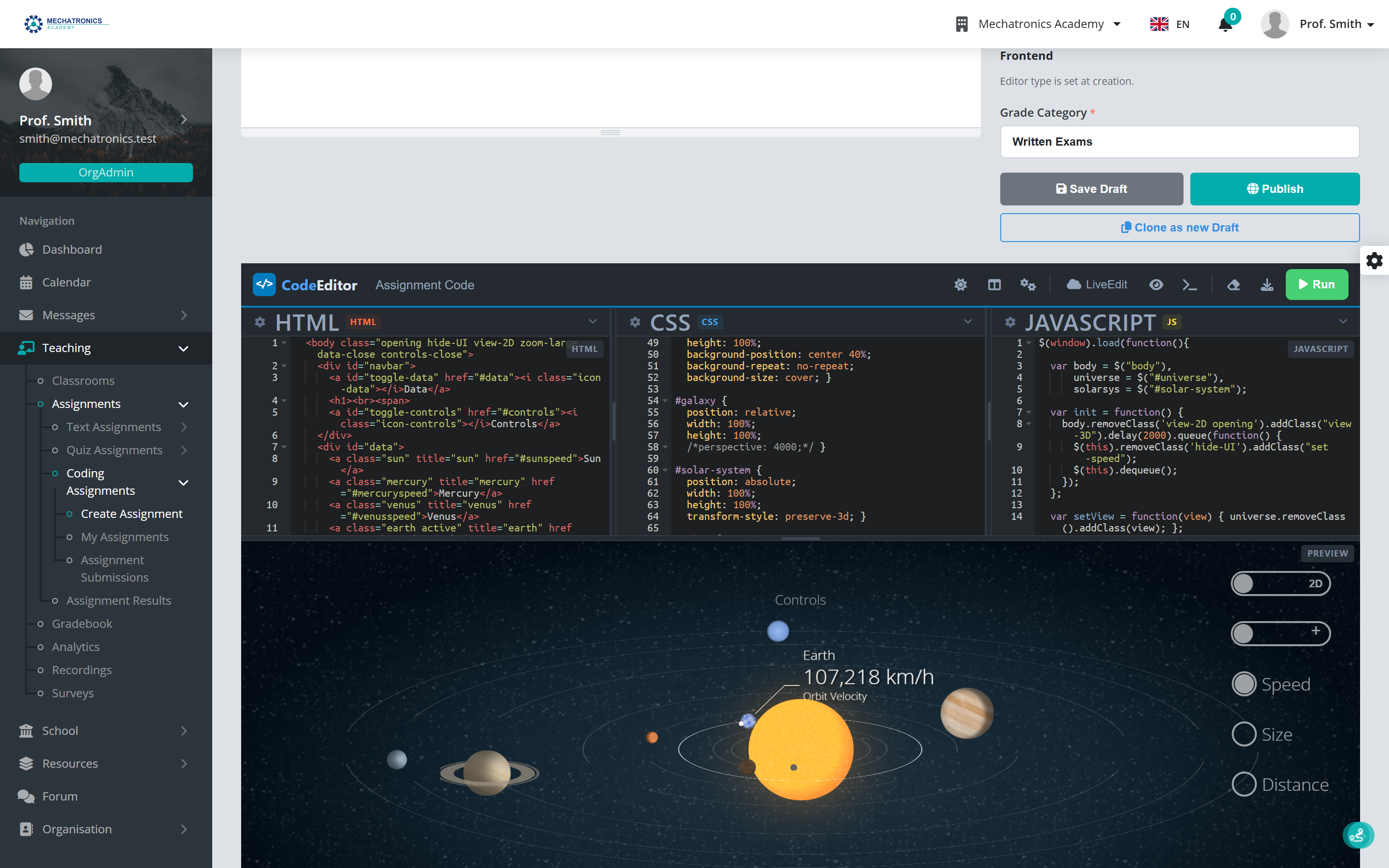
For informatics classes the board carries real editors: HTML, CSS and JavaScript with a live preview, plus .NET and SQL that execute in the browser. Coding assignments ship with test cases, so submissions grade themselves and students see exactly which check failed.

Code that runs in the lesson

A timetable that understands schools

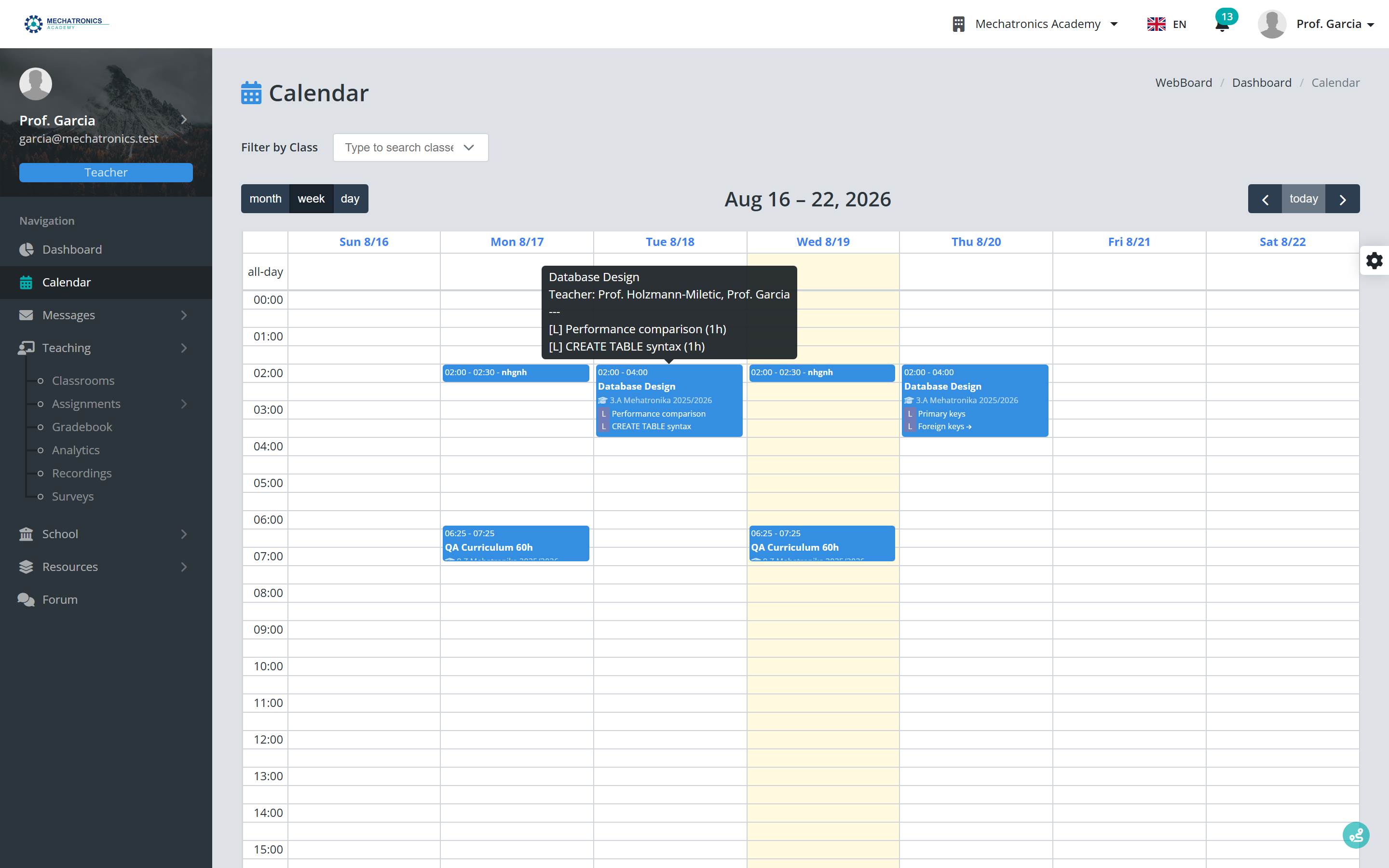
Recurring lessons, alternating A and B weeks, blackout periods and per-class calendars. The curriculum plan fills the calendar, attendance links back to each lesson, and reminders go out on their own.

A timetable that understands schools

One inbox for the whole school

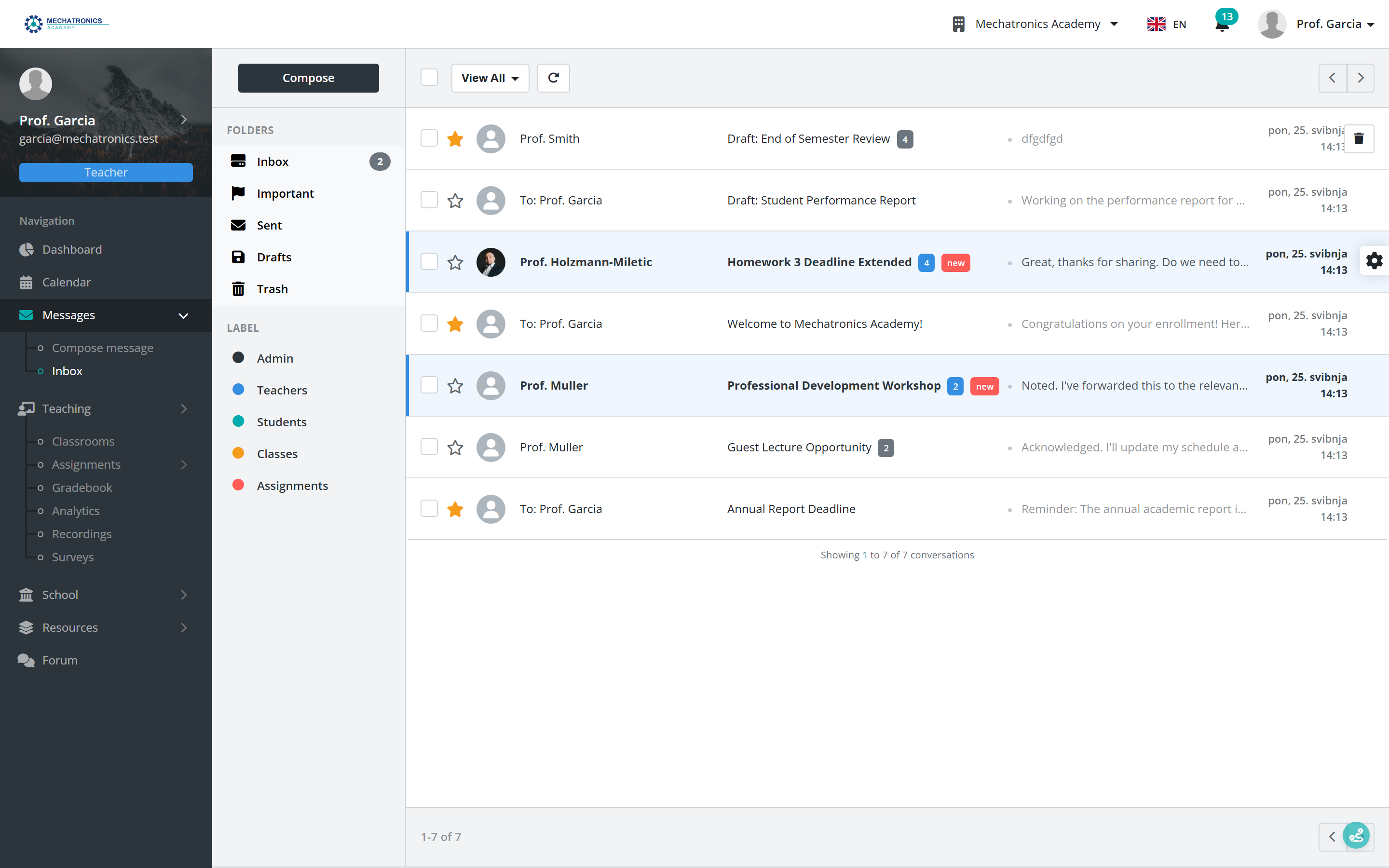
Messages between teachers, students and staff stay on the platform: folders, labels, drafts and school-wide notifications. When someone is offline, the message reaches them by e-mail, without personal phone numbers or external chat apps.

One inbox for the whole school

How the roadmap works

Every feature in WebBoard exists because a teacher, a student or a parent needed it. The process has not changed: teach with it, see what is missing, build it, repeat.

How the roadmap works

Where we are today

WebBoard is developed independently in Croatia. It is hosted in the EU, built for GDPR from day one, and schools own their data and can export it at any time.

If you want to see how it fits your school, reach out through the pricing page or start with the free plan. I read every message myself.

Marko Holzmann-Miletić
Founder, WebBoard

Where we are today

Where WebBoard is going

What is live today, what is being hardened, and what comes next. Planned items ship when they are ready.

  1. Live

    Live whiteboard classroom

    Real-time boards with pen, shapes, text, images, PDFs, equations and board templates, in the browser.

  2. Live

    Video, audio and chat

    Built-in calls with screen sharing, recordings, camera backgrounds, and class chat with replies and reactions.

  3. Live

    Code editors

    Frontend, .NET and SQL editors right on the board, with in-browser execution for live coding lessons.

  4. Live

    Assignments

    Text, quiz and coding assignments; quizzes and code assertions grade themselves, review threads for the rest.

  5. Live

    Gradebook and report cards

    Croatian, German, UK, IB and ECTS scales, weighted categories, and live report cards with PDF export.

  6. Live

    Attendance, curriculum and calendar

    Attendance with reports, curriculum plans that feed the calendar, Week A and B rotation.

  7. Live

    Parents without accounts

    Personal links to grades, attendance and notices; no passwords, no installs.

  8. Live

    The school office

    Enrollment pipeline, official documents, exam periods, library, and bulk import and export.

  9. Live

    Community and insight

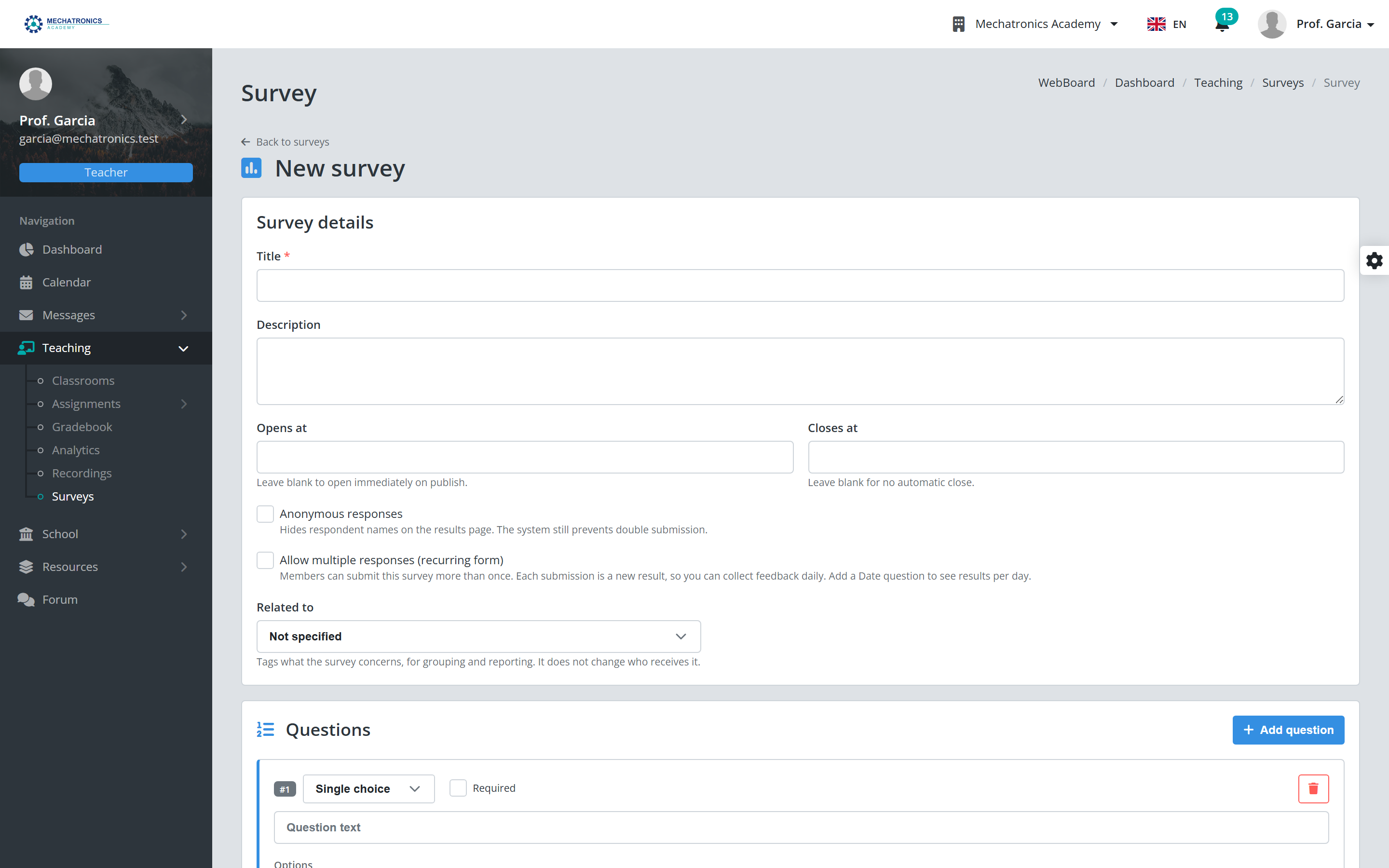
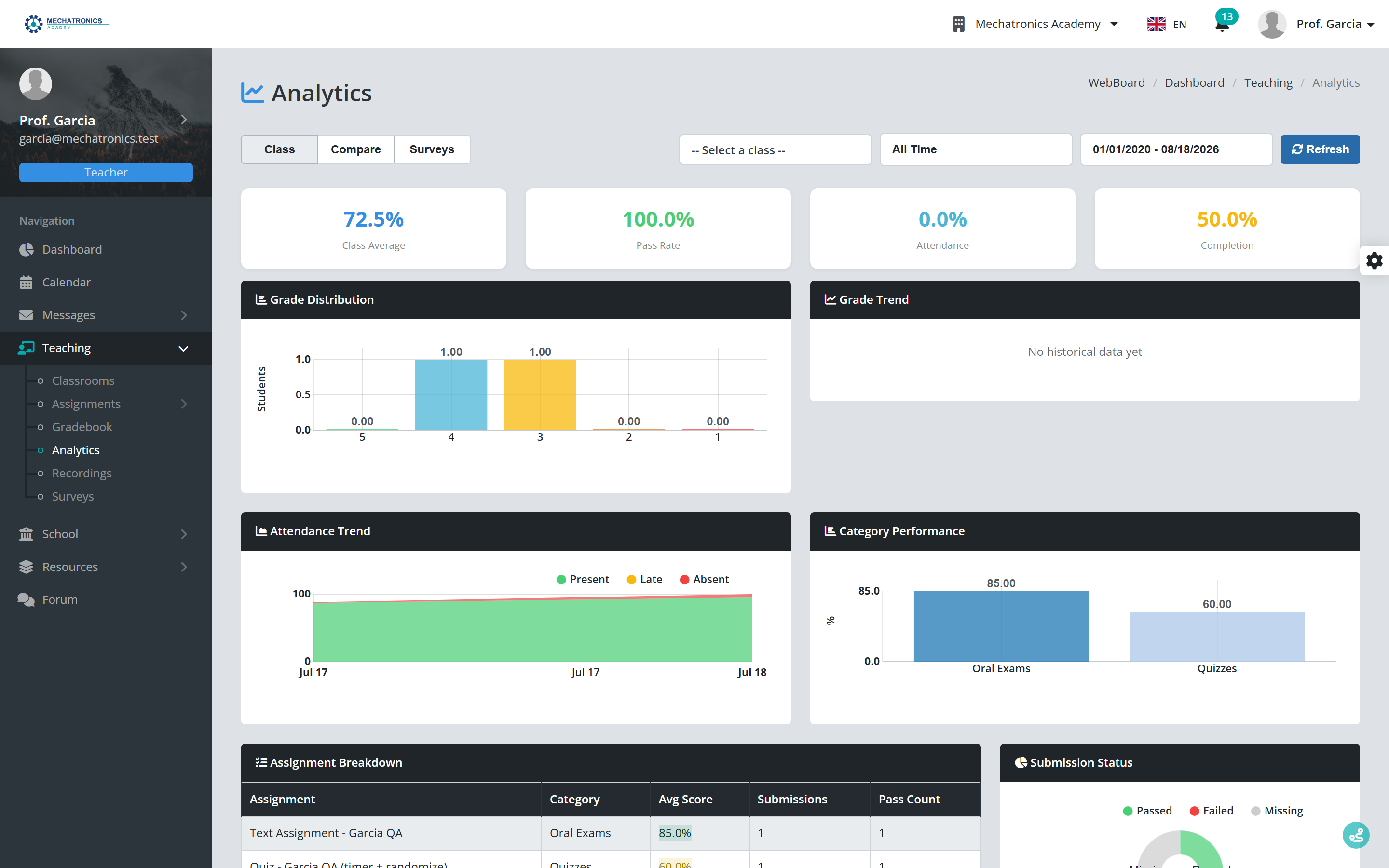
    School forum, surveys, messaging with notifications, and per-class analytics dashboards.

  10. Done

    Production hardening

    Backups, monitoring, load testing and GDPR groundwork for the first full school year.

  11. In progress

    Plagiarism detection

    Flags suspiciously similar submissions across a class so teachers can compare them side by side before grading.

  12. Planned

    AI curriculum assistant

    Drafts a year's curriculum from your subject outline; teachers edit every lesson before it goes live.

  13. Planned

    AI-assisted exam review

    A first pass over written answers with suggested points; the teacher confirms every grade.

Marko Holzmann-Miletić, teacher, software engineer, founder of WebBoard

A word from the founder

Marko Holzmann-Miletić, teacher, software engineer, founder of WebBoard

I'm Marko, and I've been on both sides of the classroom.

I have been building web applications for over a decade, for clients across Europe and beyond. I hold a Master's degree in Software Engineering, I work as a lecturer and mentor, and I have received teaching awards at the schools I have worked at. I also teach online as a certified Udemy instructor.

WebBoard is where both jobs meet: software built the way an engineer would build it, for the school days a teacher actually lives. Every feature was tested the same evening in a real lesson plan.

If you want to talk about your school, write to me through the contact page. I answer personally.